Locations
Location & inventory modeling
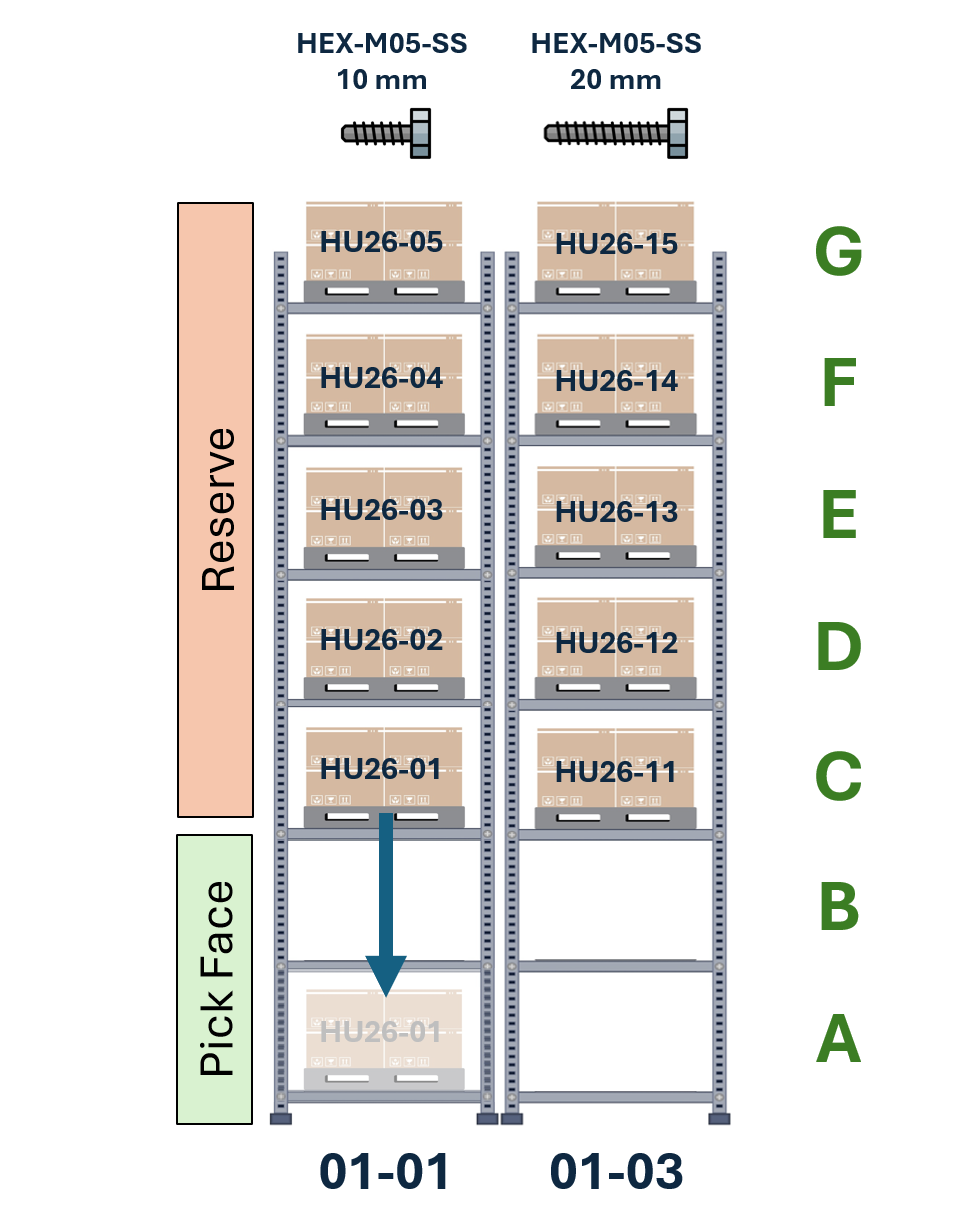
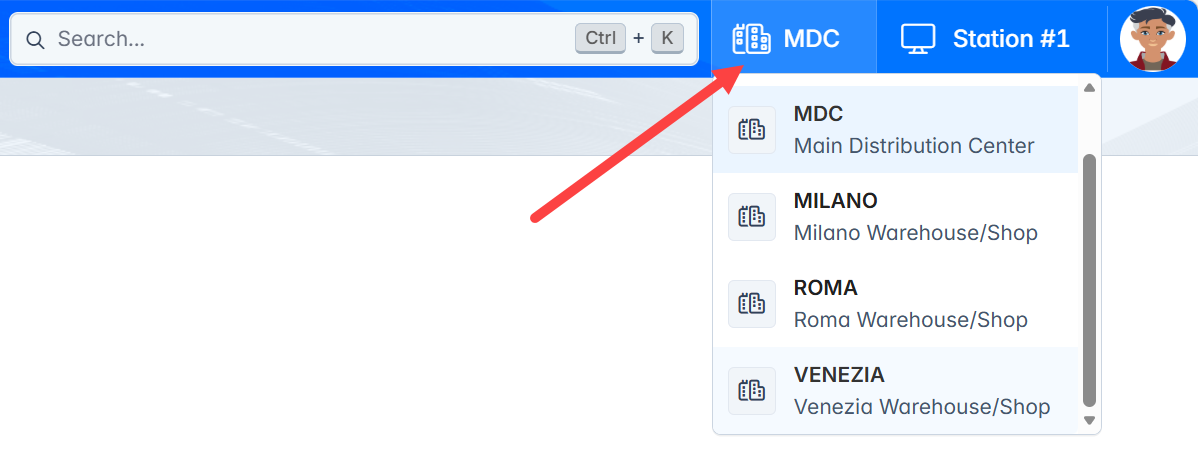
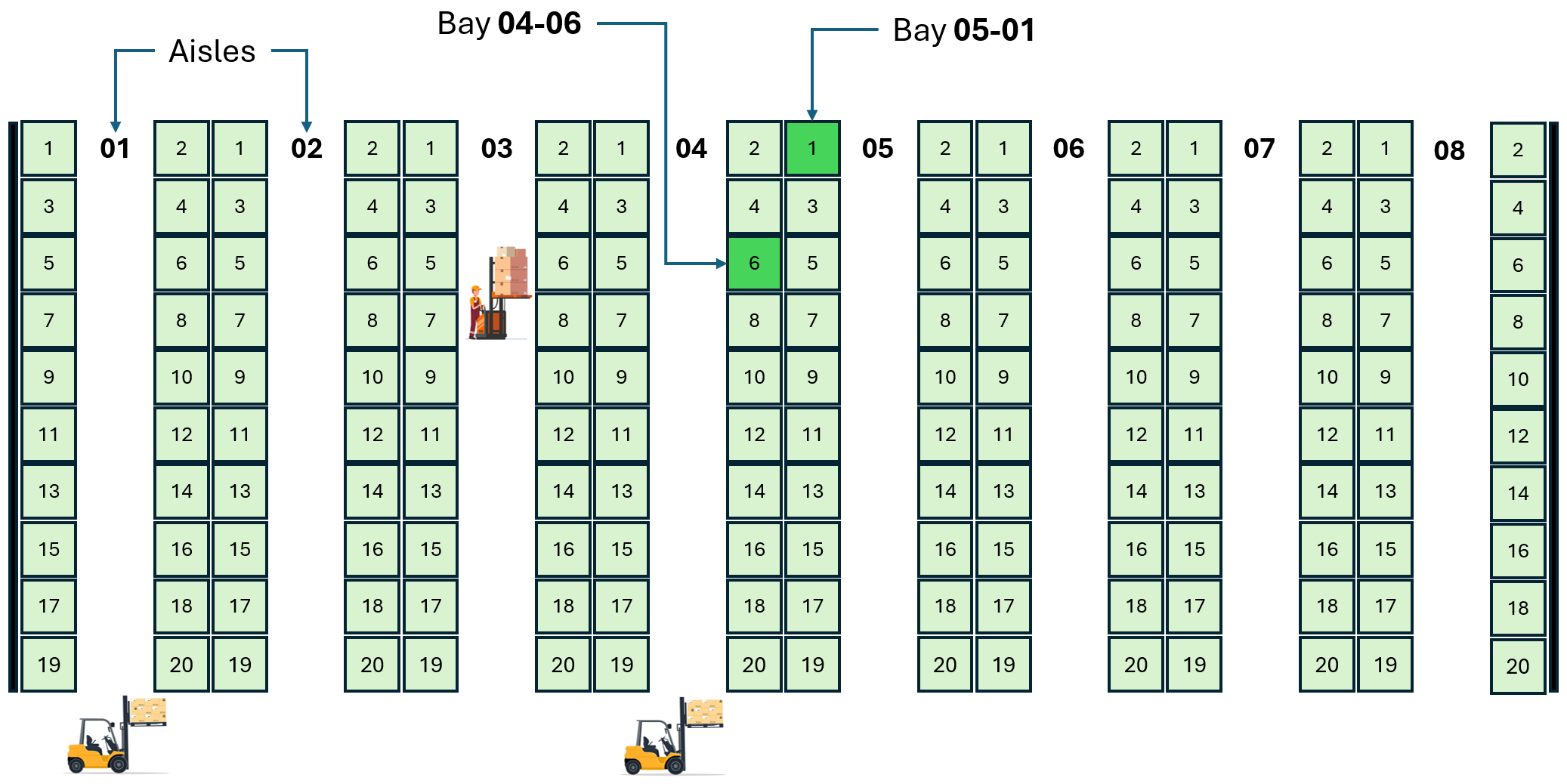
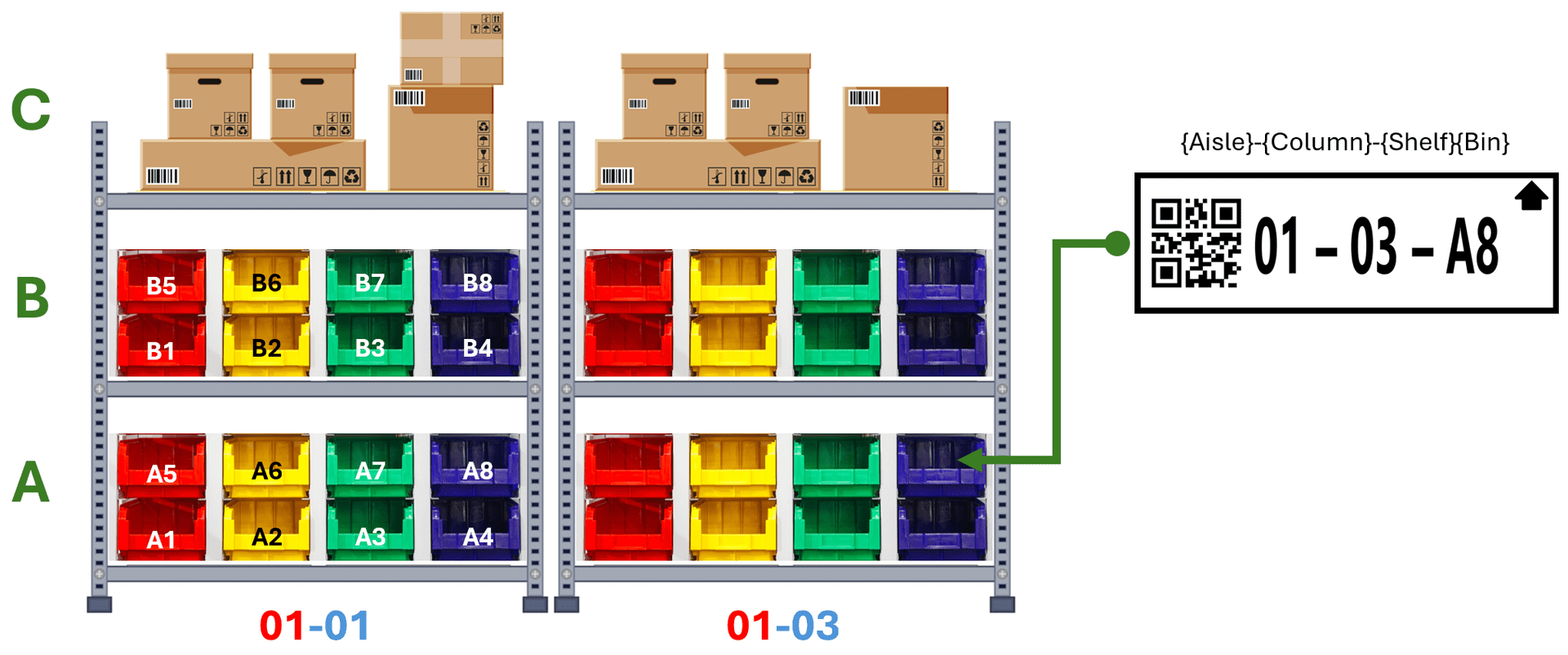
Model zones, aisles, bays, shelves and bins with capacity, storage policies and naming conventions, giving real-time visibility over every unit of stock.
Read the post
 WE CRAFT ELEGANT SOLUTIONS
TLP · WAREHOUSE MANAGEMENT SYSTEM
TLP WMS models your locations, inventory and handling units, then actively drives replenishment, picking and put-away, dispatching the right task to the right operator on the right device, in real time.
CAPABILITIES
TLP WMS is our warehouse management solution, built on The Lean Platform. It models your warehouse down to the last drawer, keeps every stock unit traceable from receiving to shipping, and guides operators through their daily work from desktop, tablet or handheld scanner.
It integrates with your ERP for purchase orders, sales orders and master data, prints labels on industrial printers, and comes with Jarod, an AI assistant that can answer questions and execute warehouse transactions on your behalf.
erp · zebra & honeywell scanners · label printers · mssql & postgresql
Model areas, racks, shelves and bins with naming templates, and create hundreds of locations in one go.
Create inbound deliveries straight from purchase orders and receive goods unit by unit, with full control over what arrived.
Track every stock unit and pallet with batches, expiry dates and quality status, and follow its full genealogy.
Movements become transport orders automatically and are assigned to the right operator and equipment.
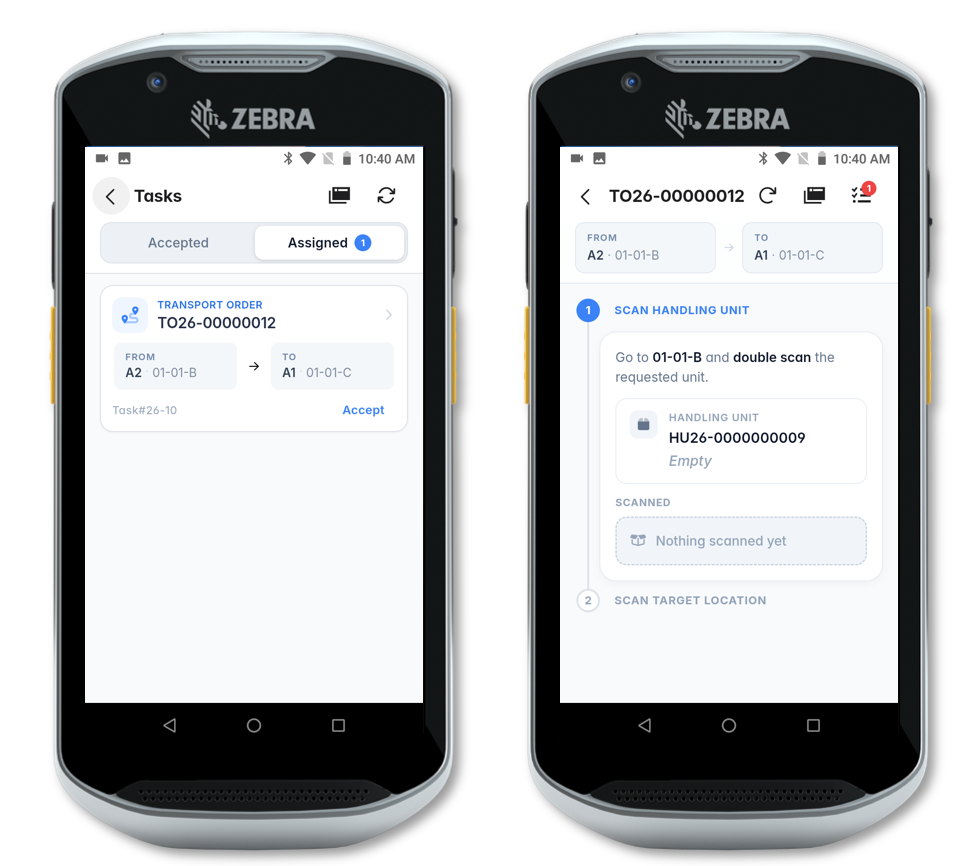
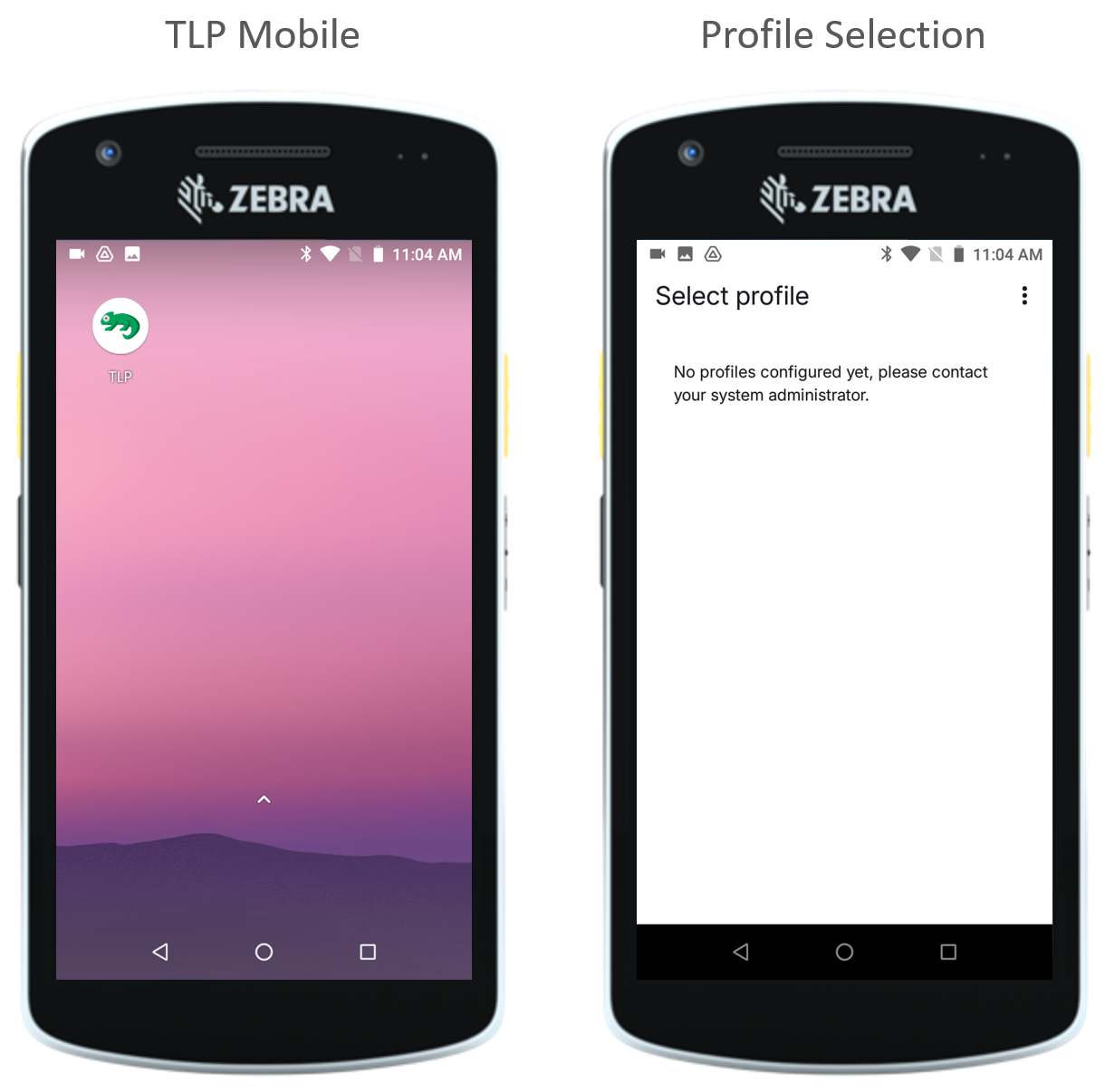
Operators work from handheld devices: scan a unit, scan a location, done. No typing, no selecting fields.
From sales orders to pick orders and outbound deliveries, plus cycle counts to keep stock accurate.
WHAT'S INSIDE
ON THE FLOORModel zones, aisles, bays, shelves and bins with capacity, storage policies and naming conventions, giving real-time visibility over every unit of stock.
Read the postConfigure reorder points and target quantities down to the individual bin. When a pick-face location empties, TLP automatically generates a transport order to refill it.
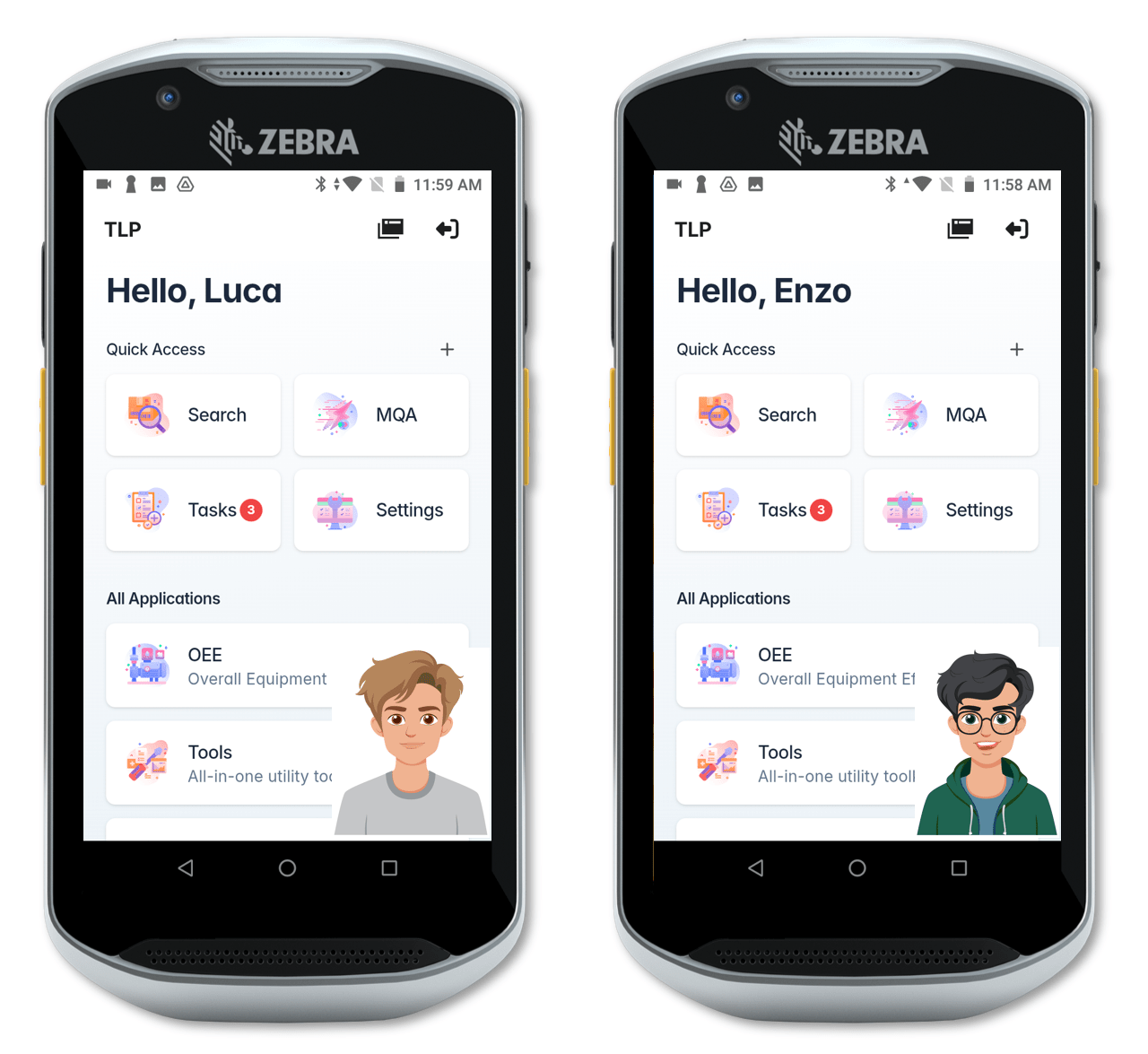
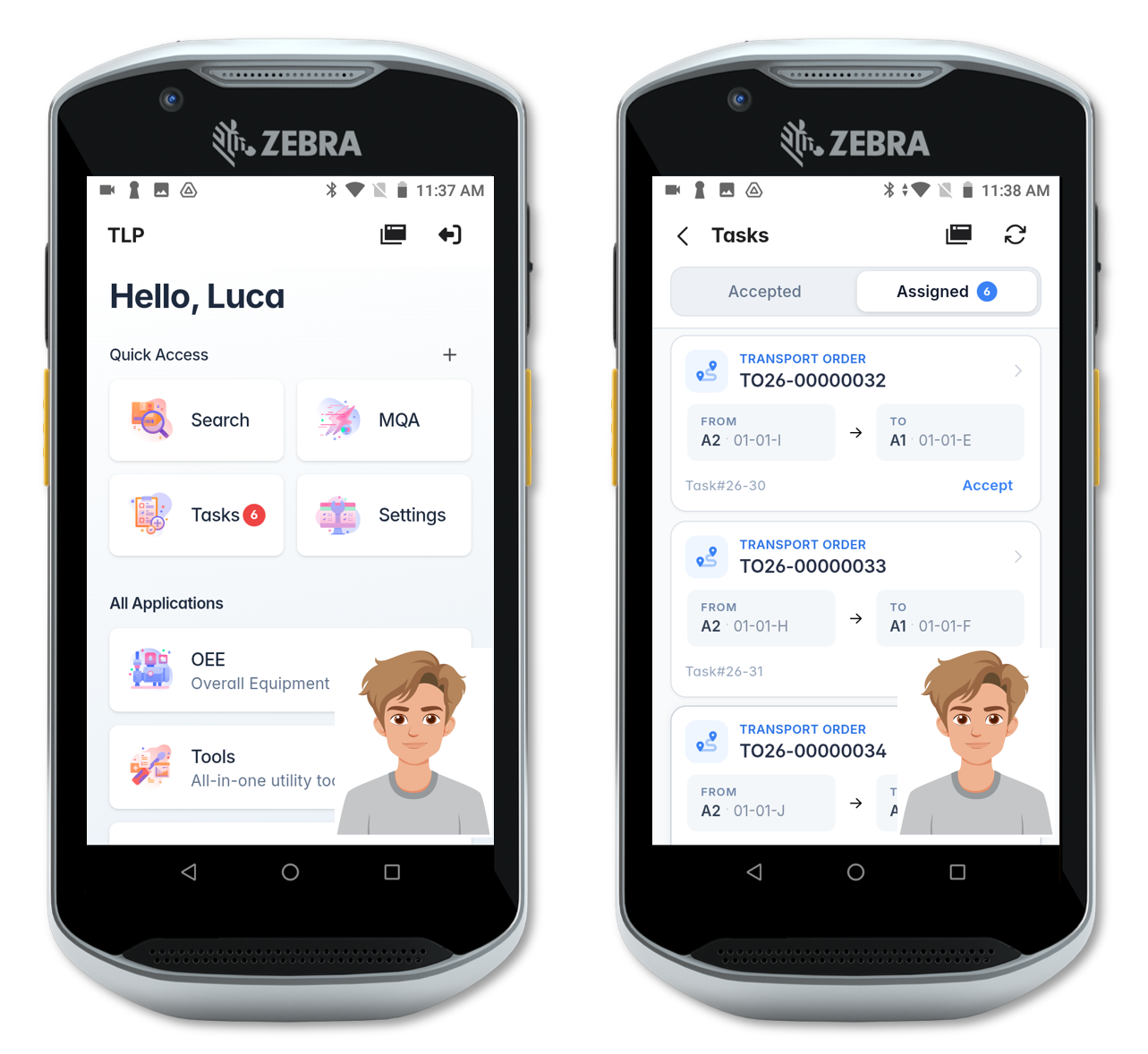
Read the postThe Scheduling Module assigns transport, picking and production tasks to available operators based on validated certifications, like a forklift or high-reach license.
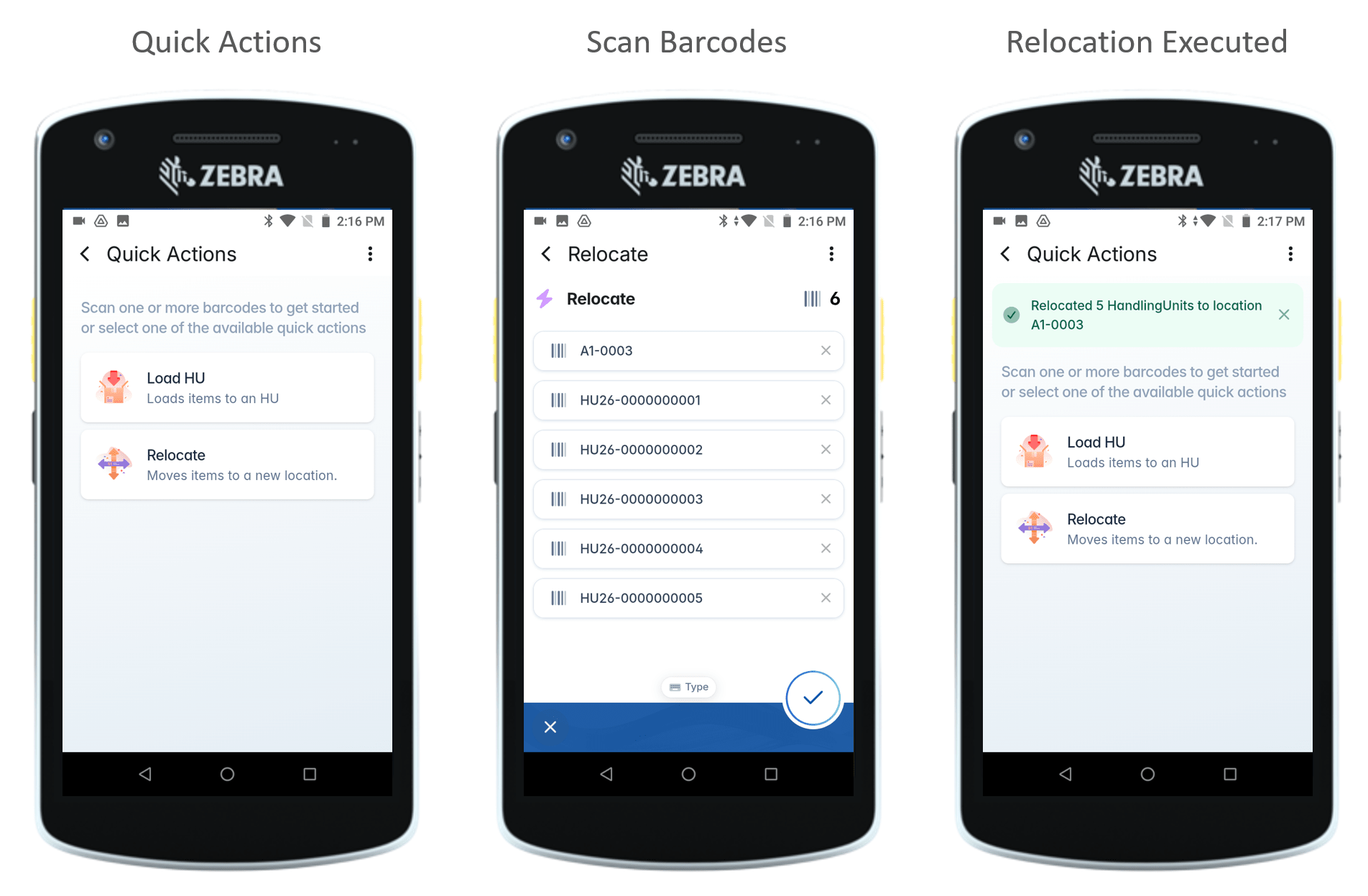
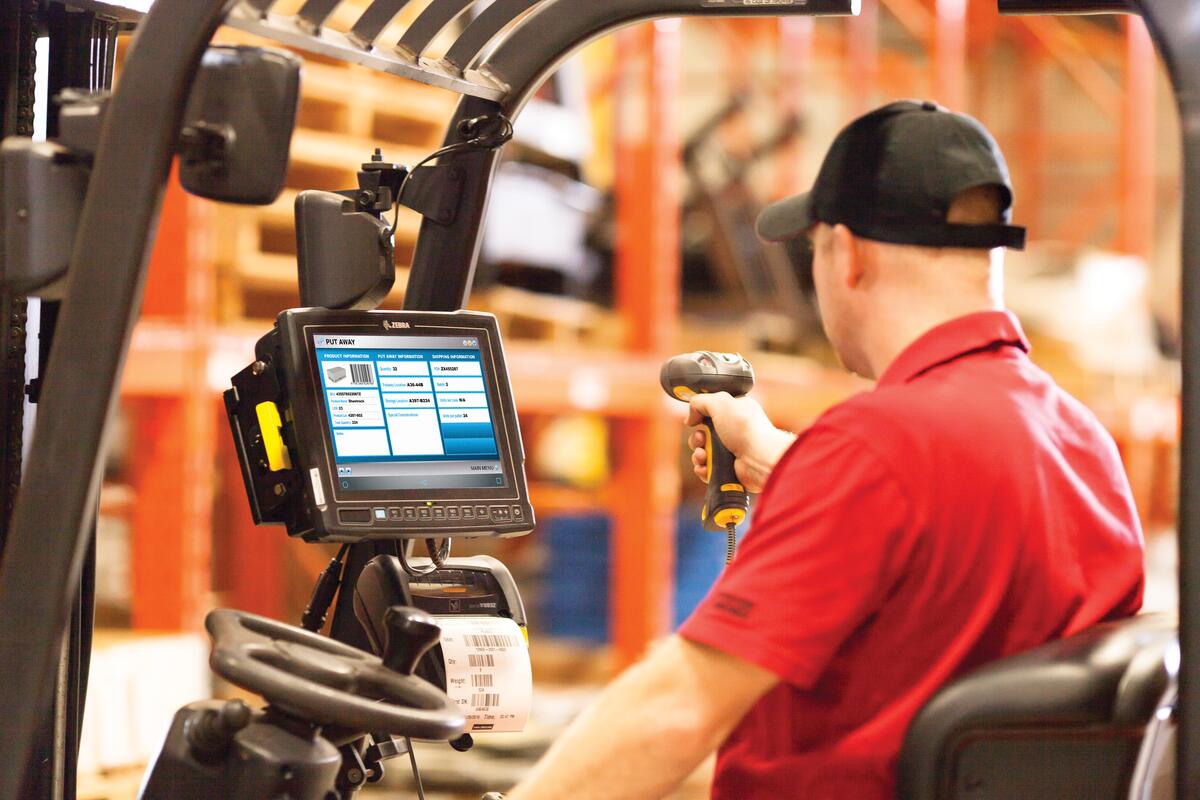
Read the postTLP Mobile runs on handheld scanners and vehicle-mounted computers (Zebra, Honeywell), guiding operators through double-scan picking, put-away and relocation.
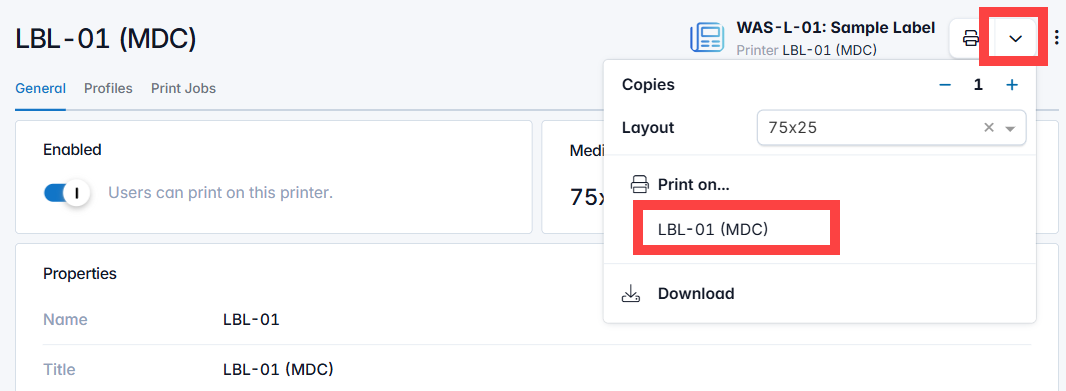
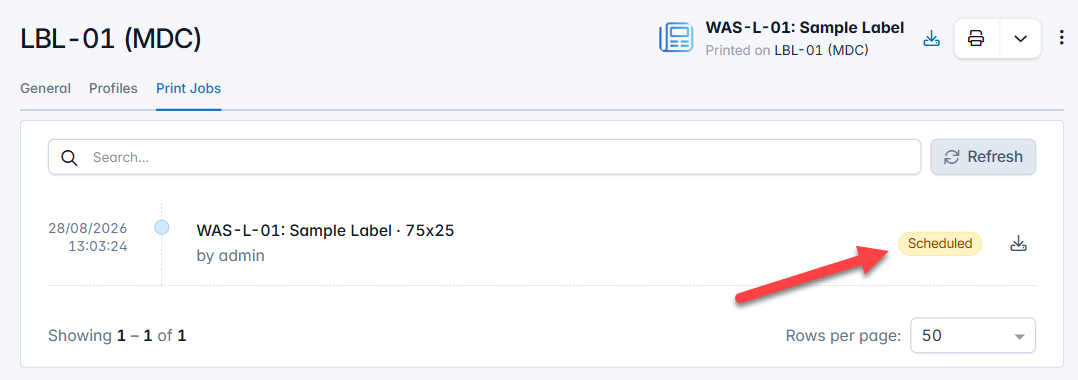
Read the postDesign and print location labels, handling unit labels and reports directly from the platform, keeping barcodes and physical locations in sync.
Read the postModel every plant or warehouse as its own organization for clean data segregation, while granting users access across sites when they need it.
Read the postFROM EMPTY BIN TO RESTOCKED SHELF
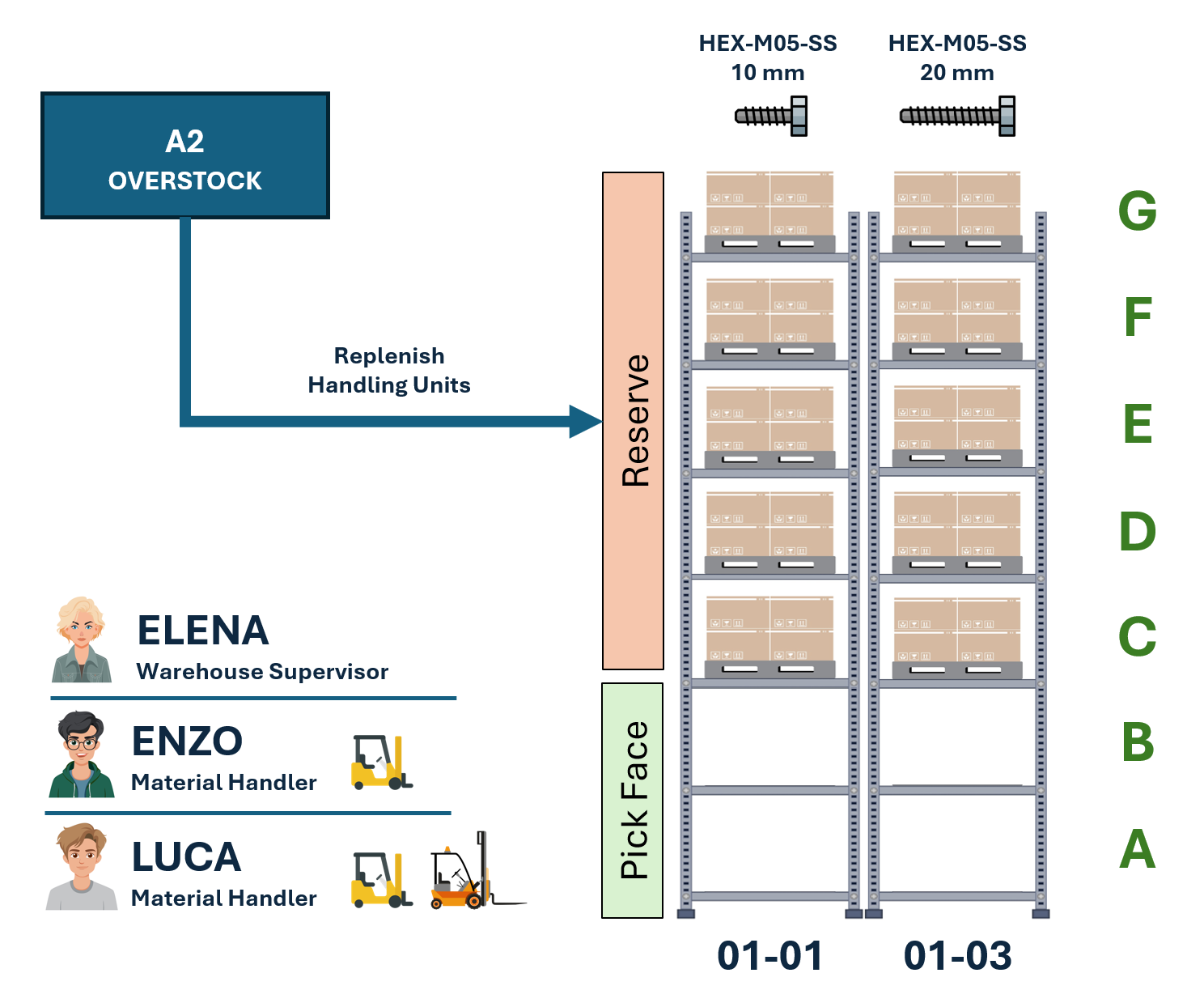 Pick-face, reserve & overstock ↗︎
An operator picks the last handling unit from a pick-face or reserve location, dropping its count to zero.
TLP detects the location reached its reorder point and generates a transport order to pull a new unit from overstock, with no manual intervention.
The Scheduling Module dispatches the task to a qualified, connected operator, respecting certifications like high reach for tall shelves.
The operator's handheld walks them through a double-scan pick and drop, confirming the move and closing the loop in real time.
SEE IT IN ACTION
All postsSEE IT ON YOUR WAREHOUSE
Tell us about your locations, your handling units and how your operators work today, and we'll show you how TLP models and automates it.
Request a demo